Open files in VS Code and Cursor / Developer files
Claude Code token usage report
/cost shows the current session, and the free ccusage command line tool reports daily usage. If you bill clients per project, Agent Session Viewer in VS Code has the Pro tool Usage and cost report: it adds up the tokens of all sessions, one project or one tool in a date range, estimates the cost per project, model and day at API list prices, and saves a Markdown report and a CSV file. It has 3 free tries, then Zovo Pro is USD 19 once.
Free, MIT license. Extension ID zovo.agent-session-viewer, version 0.3.3. Needs VS Code 1.90.0 or newer.
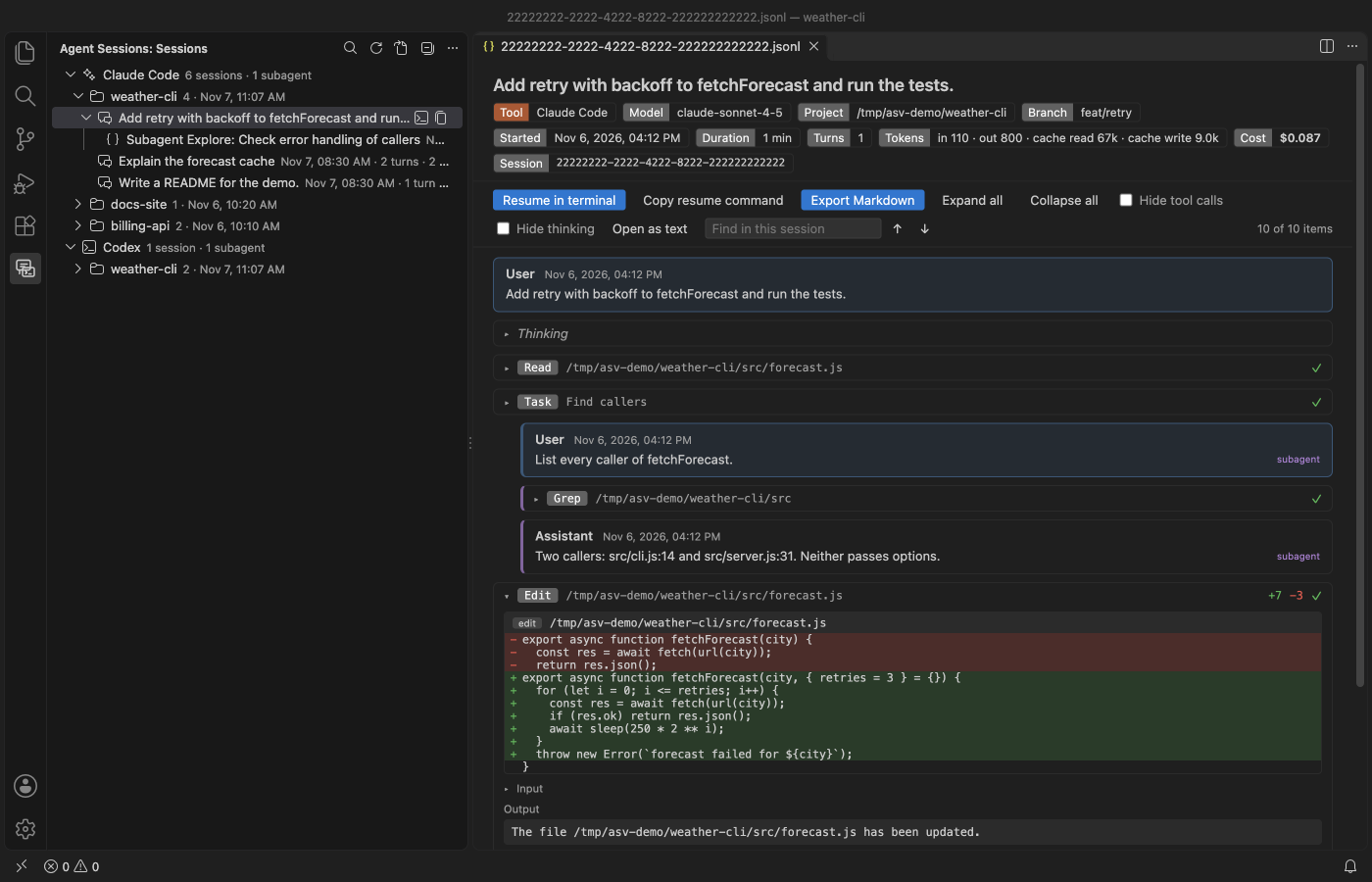
Steps in VS Code
- Install Agent Session Viewer from the Marketplace, or press Ctrl+P (Cmd+P on macOS) and run
ext install zovo.agent-session-viewer. - Open the Sessions view in VS Code. Reading and searching sessions is free.
- Pick the project you want to report on.
Where Zovo Pro saves time
Reading, searching, resuming and exporting one session to Markdown are free. The usage and cost report is the Pro tool.
The CSV has one row per day, project and model, ready for client billing or a spreadsheet. A message copied into a resumed session counts once, and subagents count with the session that started them.
With Usage and cost report (Zovo Pro)
- Run Usage and cost report from the Command Palette (type Agent Session).
- Choose all sessions, one project or one tool, and a date range.
- Save the Markdown report and the CSV file.
Usage and cost report works 3 times on your computer before it asks for a license, and a try counts only when you get a result. Opening a file shows no popup and no countdown.
Zovo Pro costs USD 19 once. It is not a subscription, and it turns on the Pro tools in every Zovo extension, not only Agent Session Viewer. After a card payment (Stripe) your license key shows on the next page. In VS Code, run "Zovo Pro: Enter Zovo Pro license key" from the Command Palette and paste it. The key is checked on your computer, with no network call. With GitHub Sponsors, pick the "$19 one time" tier, then run "Zovo Pro: I already paid: unlock with GitHub Sponsors" and sign in with the same GitHub account. With PayPal, send USD 19 with "Zovo Pro" in the note and the key comes by email within a day.
A team of 5: USD 59 once, by card or by PayPal. Every rule and every Pro tool is on the Zovo Pro page.
Steps in Cursor, Windsurf or VSCodium
- Open the Extensions view with Ctrl+Shift+X (Cmd+Shift+X on macOS).
- Search for
zovo.agent-session-viewerand click Install. Cursor, Windsurf and VSCodium install from Open VSX, where it is published aszovo/agent-session-viewer. - If your editor has no gallery, download the .vsix from the Open VSX page and run "Extensions: Install from VSIX...".
- Then use it the same way as in VS Code.
What Agent Session Viewer handles
- Per project, model and day.
- Subagents counted with their parent session.
- Resumed sessions counted once.
What it does not do
- The cost is an estimate at API list prices, not your plan's bill.
- It reads sessions on this computer only. For an organization, use the Admin API usage report.
Other options
- ccusage.
npx ccusage@latestprints daily, monthly and session reports in the terminal. Free and widely used. - /cost. Built into Claude Code, for the current session.
- Claude Code usage report API. For organizations, through the Admin API.
Install counts and Open VSX status were checked on 11 November 2026. Descriptions in quotes are the extensions' own.
Questions
Is the cost exact?
No. It is an estimate at API list prices. A subscription plan bills differently.
Is anything uploaded?
No. The report is built from the session files on your computer.
Does it work in Cursor or Windsurf?
Yes. Cursor, Windsurf and VSCodium install extensions from Open VSX. Search for the extension in their Extensions view and install it there.
More about Agent Session Viewer
Read the Agent Session Viewer page for every feature and setting, or the source code on GitHub.
Related guides
- Claude Code History & Codex History Viewer on the VS Code Marketplace (also on Open VSX). Reads Claude Code and Codex session history in VS Code.
- Read your Claude Code history in VS Code
- Export a Claude Code conversation
- Read a HAR file offline in VS Code
- Compare two folders in VS Code
Zovo Pro and support
Zovo Pro: USD 19 once, every Zovo viewer. It turns on the Pro tools in this extension and in the other Zovo extensions you use. The free features stay free.
After a card payment your license key shows on the next page. Paste it with the command "Zovo Pro: Enter a key".
You can also support the work with no Pro:
Need your format supported?
Open a format request with a sample file, and I reply there whether it can be done. For USD 299 once, through this GitHub Sponsors tier, I add your file format or a missing feature to this extension, with tests, within 7 days.