Open files in VS Code and Cursor / Tables and data
See a Postgres EXPLAIN plan as a tree in VS Code
Install Postgres & MySQL Query Client by Zovo in VS Code, connect, put the cursor in a query and press Ctrl+Alt+E (Cmd+Alt+E on macOS). The plan opens as a tree of steps with cost bars, the slowest step is marked, and plain hints point at the usual problems: a full scan of a filtered table with the rows it threw away, a sort that spilled to disk, a step with no index, a row estimate 10 times off. "Explain Analyze" shows real time and rows per step. The client is free; Explain Plan is Zovo Pro (USD 19 once) with 3 free tries.
Free, MIT license. Extension ID zovo.zovo-sql-client, version 0.2.4. Needs VS Code 1.90.0 or newer.
Also free from Zovo: SQLite Editor & Viewer, VS Code Marketplace · Open VSX (Cursor, Windsurf).
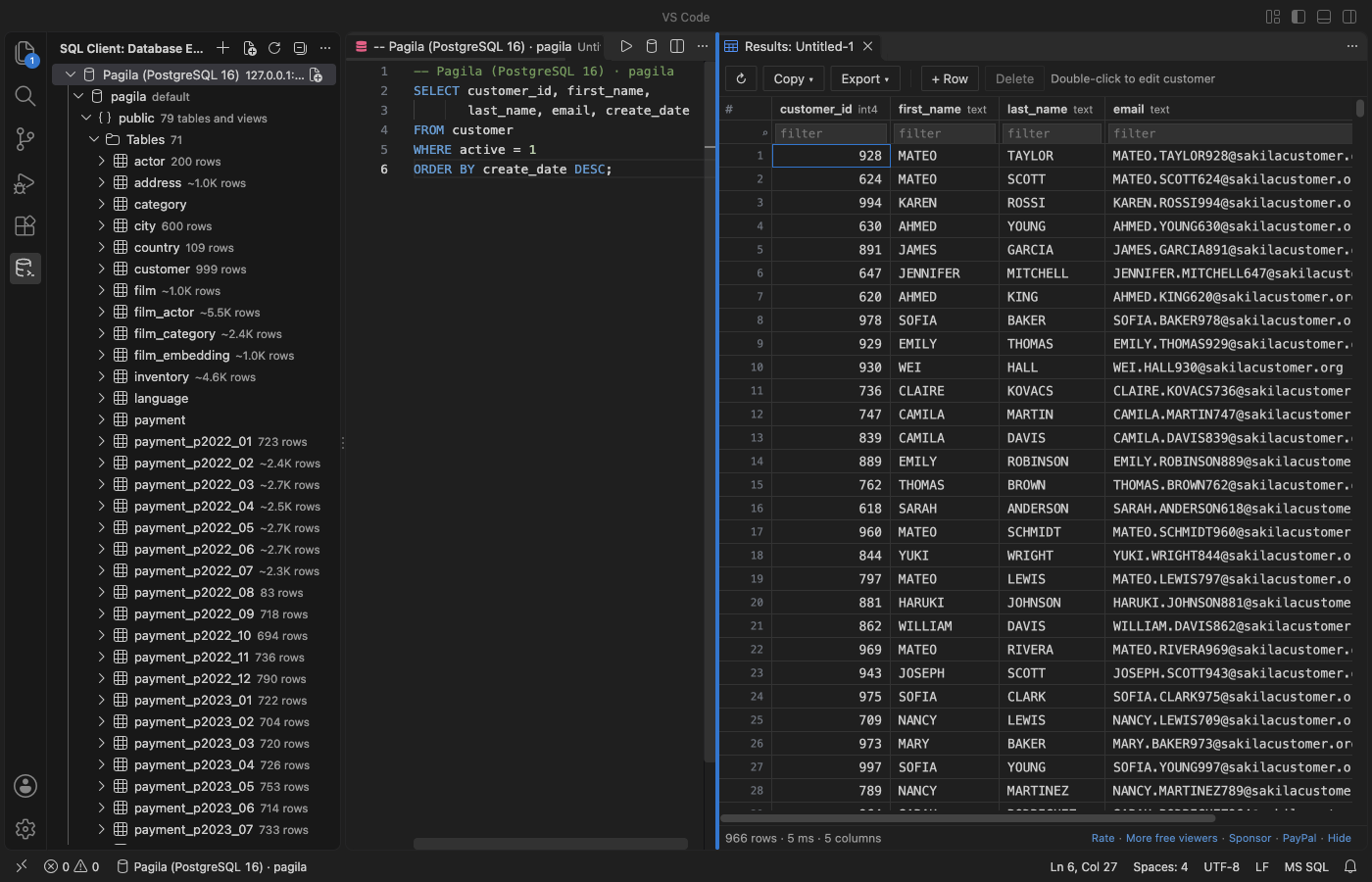
Steps in VS Code
- Install Postgres & MySQL Query Client from the Marketplace, or press Ctrl+P (Cmd+P on macOS) and run
ext install zovo.zovo-sql-client. - Add a connection in the SQL Client view and open a .sql file on it.
- Put the cursor in a SELECT and press Ctrl+Alt+E (Cmd+Alt+E on macOS) for the plan.
- Run "Explain Analyze" to execute a read-only query and see the real time and rows of each step.
- Read the hints under the tree, change the query or add an index, and run it again.
Steps in Cursor, Windsurf or VSCodium
- Open the Extensions view with Ctrl+Shift+X (Cmd+Shift+X on macOS).
- Search for
zovo.zovo-sql-clientand click Install. Cursor, Windsurf and VSCodium install from Open VSX, where it is published aszovo/zovo-sql-client. - If your editor has no gallery, download the .vsix from the Open VSX page and run "Extensions: Install from VSIX...".
- Then use it the same way as in VS Code.
What Postgres & MySQL Query Client handles
- PostgreSQL
EXPLAINandEXPLAIN ANALYZE, MySQL 8EXPLAIN ANALYZE, MariaDBANALYZE FORMAT=JSON, and SQLiteEXPLAIN QUERY PLAN. - Explain Analyze runs only read-only statements.
- The plan page runs no scripts and makes no network calls.
- Table data compare (also Zovo Pro): two tables on any two connections matched by primary key, with a report and a sync script that is opened, never run for you.
What it does not do
- No SQL Server or Oracle.
- Hints cover common plan problems. They do not rewrite your query.
Free and Zovo Pro
Free, and staying free: unlimited connections to PostgreSQL, MySQL, MariaDB and SQLite, the Database Explorer, running SQL, the results grid, row edits, Cancel, and export to CSV, JSON or SQL INSERT.
Zovo Pro adds these tools to Postgres & MySQL Query Client. Each one works 3 times on your computer before it asks for a license. Nothing about Pro shows when you open a file: no popup, no countdown, no banner.
- Explain Plan: the plan of the statement at the cursor as a tree with cost bars, the slowest step marked, and plain hints (a full scan of a filtered table, a sort that spilled to disk, a step with no index, a row estimate 10 times off). Explain Analyze shows the real time and rows per step.
- Table data compare: two tables on any two connections, matched by primary key, with a report and a SQL script that makes the second table match the first. The script is opened, never run for you.
- ER diagram of a schema: tables, columns, keys and foreign-key links. Drag tables to arrange them, then save it as SVG.
- Schema compare: two schemas, from any two connections, side by side in VS Code's diff view.
- CSV import into a table: header names matched to columns, rows inserted in batches of 500.
- Query library: named queries saved on your computer that open on any connection.
Zovo Pro costs USD 19 once. It is not a subscription, and one purchase covers every Zovo VS Code extension. Today it also covers the Pro tools in Hex Viewer and DOCX Viewer, and Pro tools added to other Zovo extensions later.
Two ways to unlock it:
- GitHub Sponsors: pick the "$19 one time" tier. Then, in VS Code, click a Pro tool and pick "Unlock with GitHub Sponsors" (or type "GitHub Sponsors" in the Command Palette) and sign in with the same GitHub account. A monthly sponsorship of USD 10 or more that is still running counts too.
- PayPal, no GitHub account needed: send USD 19 by PayPal with "Zovo Pro" in the note, then post the transaction ID with the Zovo Pro key form (a public GitHub issue, so post only the ID). The license key goes to the email address of your PayPal account within a day. Click a Pro tool and pick "I have a license key" (or type "license key" in the Command Palette) and paste it. The key is checked on your computer, with no network call.
A team of 5: USD 59 once by PayPal, with "Zovo Pro Team" in the note. Every rule and every Pro tool is on the Zovo Pro page.
In JetBrains IDEs (IntelliJ IDEA, PyCharm, WebStorm, CLion and others)
- postgres-explain-visualizer. A Postgres query plan visualizer for JetBrains IDEs (23,622 downloads). Zovo has no JetBrains database plugin.
Other options
- PG Explain Visualizer (
q-hung.pg-explain-visualizer, 106 installs, not on Open VSX). Its own description: "Visualize PostgreSQL EXPLAIN (ANALYZE) output with an interactive plan tree, timing bars, and statistics." Not on Open VSX. - explain.dalibo.com or explain.depesz.com. Free websites: paste the plan text and get a tree. The plan is sent to the site.
- pgAdmin. The free PostgreSQL desktop tool draws a graphical plan.
Install counts and Open VSX status were checked on 9 November 2026. Descriptions in quotes are the extensions' own.
Questions
Does Explain Analyze change data?
No. It runs only read-only statements.
Is my plan sent anywhere?
No. The plan is read from your database and drawn in VS Code. The extension connects only to the servers you add.
What is free?
Connections, queries, the results grid, row edits and export. Explain Plan, table data compare, the ER diagram, schema compare, CSV import and the query library are Zovo Pro, USD 19 once, with 3 free tries each.
More about Postgres & MySQL Query Client
Read the Postgres & MySQL Query Client page for every feature and setting, or the source code on GitHub.
Related guides
- SQLite Editor & Viewer on the VS Code Marketplace (also on Open VSX). Opens .db and .sqlite files as tables, edits cells and runs SQL.
- Use a PostgreSQL client in VS Code
- Use a MySQL client in VS Code
- See an ER diagram of your database in VS Code
- Compare two Postgres schemas
Zovo Pro and support
Zovo Pro: USD 19 once, every Zovo viewer. It turns on the Pro tools in this extension and in the other Zovo extensions you use. The free features stay free.
After a card payment your license key shows on the next page. Paste it with the command "Zovo Pro: Enter a key".
You can also support the work with no Pro:
Need your format supported?
Open a format request with a sample file, and I reply there whether it can be done. For USD 299 once, through this GitHub Sponsors tier, I add your file format or a missing feature to this extension, with tests, within 7 days.